The Jinya logger
A small Windows program that records your node war from the network, on the character you fight with, and sends it to your guild's war page as it happens. It works through ExitLag, and when the game patches it adapts during the war instead of waiting for an update.
Version 0.1.135, 4.7 MB, Windows 10 or 11. The installer is code-signed (Microsoft-verified), so Windows shows its verified publisher. SHA-256 7ab53387f34d8229639e559a082945106e809efcec0f1fb50e5712baa5488503
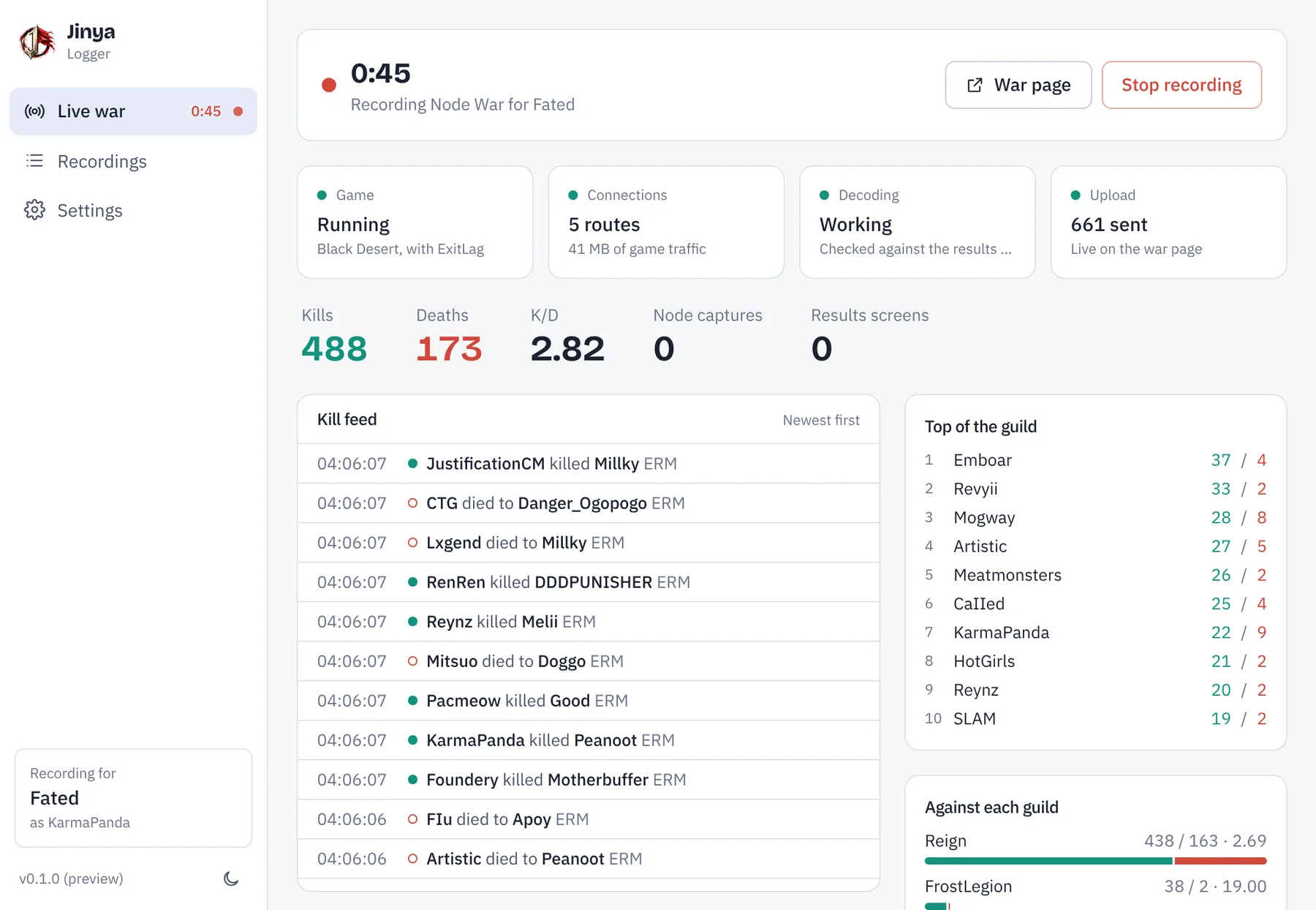
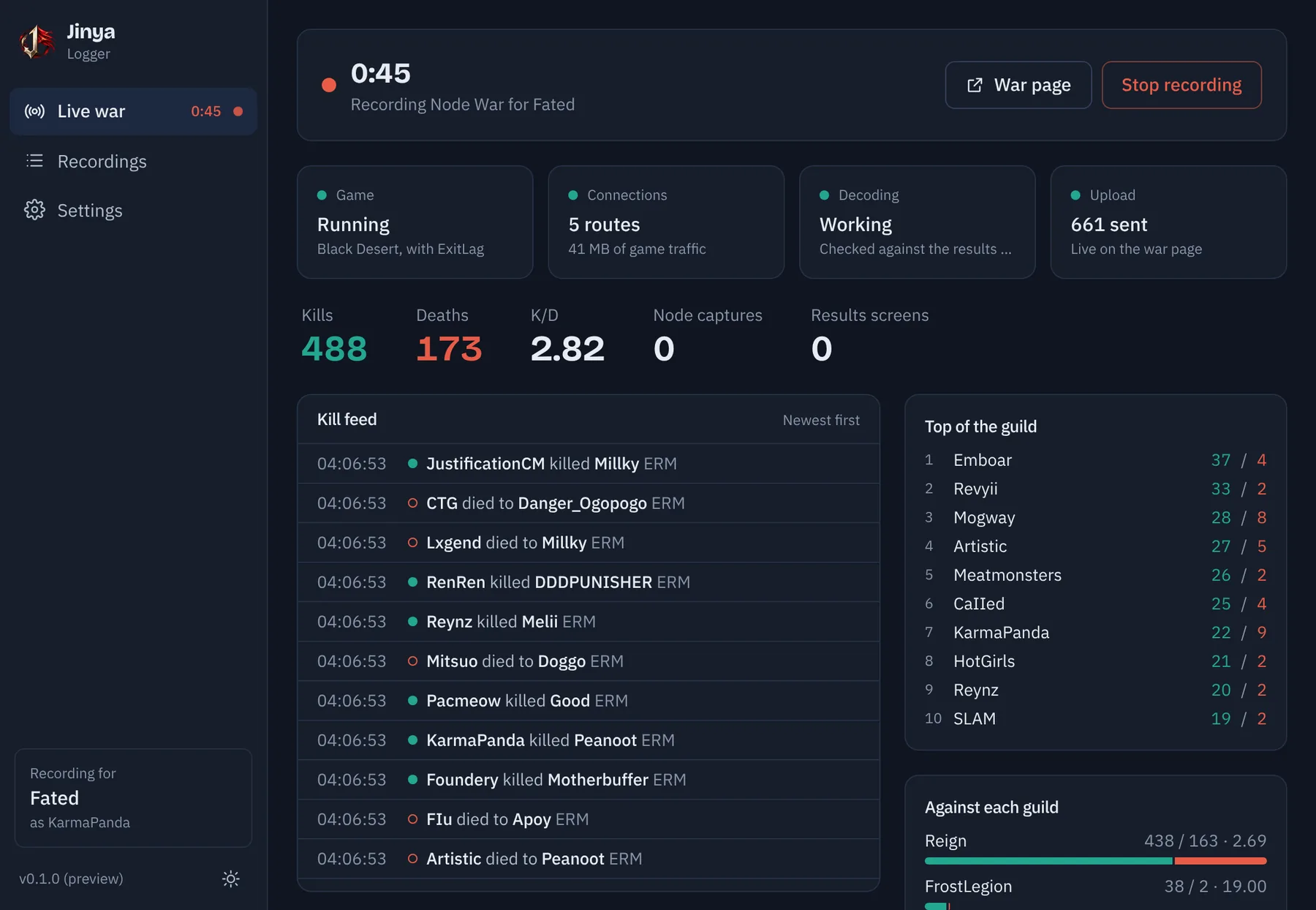
Set up in four steps
- 1
Install Npcap
The free packet driver Wireshark uses. If it's missing, the app downloads the official installer for you and opens it. Jinya reads the game's traffic through it and never touches the game itself.
- 2
Install and sign in
Run the installer, press Sign in with Jinya, and pick your guild in the browser. No files to copy or keys to paste.
- 3
Press Start before the war
Leave it running. It waits quietly until the first fight, then records.
- 4
Watch the war page
Kills reach your guild's page within seconds. When the war ends, open the results screen once for the full stats.
Need a recorder key? Open your dashboard, or create an account and set up your guild.
What it does that others don't
Keep ExitLag on
ExitLag and other route optimizers send the game over several connections at once. The logger reads all of them and merges the copies into one clean feed. Ikusa-based loggers expect a single connection.
Record on your fighting character
No alt accounts needed. Jinya can intelligently skip past a missing packet without losing the rest of the stream, allowing its kill/death log to match as closely as possible to the in-game scoreboard even when recording in-combat. It also reassembles the game's split messages, so kills at a message boundary aren't dropped.
Live for everyone
Each kill reaches your guild's war page within seconds, for every member. Other loggers upload after the war; CritCap streams only to the recording player's own browser.
Patch day without the wait
When an update moves things around, the logger works out the new layout from the war in progress, checks it against the results screen, and re-reads the war from the first kill, so nothing recorded before the fix is lost. Ikusa and Nodewar.gg fix their configs too, but drop the fights from before the fix.
Every name, every region
Names are read as the game sends them, so Thai, Korean, Chinese and accented names come through intact. Ikusa-based loggers decode names as Latin-1.
The results screen, exactly
Each time someone opens the results screen, the logger reads the real numbers (damage, healing, CC, structures, mounts, time dead and alive) and the class each player fought as.
More to come
Node captures and holds and every fight's position are recorded already. Structure hits are next, read straight from the game like everything else.
Light on your PC
The recording itself takes about half a percent of one CPU core and 20 MB of memory during a war. A normal war leaves about 3 MB on disk.
Never loses a war
If the connection drops, events are saved and sent the next time it starts. Exports for Ikusa, Nodewar.gg, GuildYapper and CoGM are written after each war, and the app keeps every war you recorded. It updates itself.
Compared with other loggers
Every logger here reads the game's network traffic with Npcap. They differ in what happens on patch day, and in when your guild sees the war.
| Jinya | GuildYapper | CritCap | CoGM | Nodewar.gg | Ikusa | |
|---|---|---|---|---|---|---|
| Patch day After a game update the data layout changes. What happens to the fights recorded before the fix? | Yes: Works it out mid-war, then re-reads the war from the first kill | Not listed: Not listed | Not listed: Not listed | Yes: Calibrated on their server; earlier uploads corrected | Partly: Config is fixed; fights before the fix are lost | Partly: Config is fixed; fights before the fix are lost |
| Sends kills during the war | Yes: To your guild's page | No: Upload after | Partly: To your own browser | No: Upload after | No: Upload after | No: Upload after |
| Kill positions | YesYes | YesYes | YesYes | YesYes | YesYes | NoNo |
| Results screen | Yes: Read from the game | YesYes | Not listed: Not listed | YesYes | Not listed: Not listed | NoNo |
| Names in any script | Yes: UTF-16, every region | Not listed: Not listed | Not listed: Not listed | Not listed: Not listed | No: Latin-1 only | No: Latin-1 only |
| ExitLag and other route optimizers These send the game over several routes at once. | Yes: Merges duplicate routes | Not listed: Not listed | Yes: Captures all adapters | Not listed: Not listed | No: VPNs may stop capture | Not listed: Not listed |
| Exports | Yes: Ikusa, Nodewar.gg, GuildYapper, CoGM, spreadsheet | Not listed: Not listed | Not listed: Not listed | Not listed: Not listed | Not listed: Not listed | Yes: Ikusa log |
| Open source | NoNo | Not listed: Not listed | Not listed: Not listed | Not listed: Not stated; built on Ikusa | Yes: Apache-2.0 | Yes: Public source |
From each tool's public website, documentation and source as of 27 October 2026. “Not listed” means we found nothing either way. If something here is out of date, tell us and we'll fix it.
What the logger touches
The logger only reads network traffic that already reaches your PC, the same way Ikusa-based loggers have for years. It doesn't read or change the game's memory, inject anything, or send input to the game. It sends kills, positions and results to Jinya, and nothing else from your PC.